
Troubleshooting a solar system’s performance issue starts with monitoring data and works outward from there — most problems fall into a small set of common categories that are straightforward to diagnose once you know what to look for. Inverter faults, shading, soiling, and monitoring communication issues account for the vast majority of solar troubleshooting cases.
Troubleshooting Flowchart
| Symptom | Likely Cause | Action |
|---|---|---|
| Zero production, inverter display off | Power supply issue, breaker tripped | Check breakers, contact installer if unresolved |
| Error code on inverter/app | Specific fault identified by code | Look up code, contact manufacturer support |
| Gradual decline over weeks | Soiling or seasonal shading change | Inspect panels visually, clean if needed |
| Sudden drop at specific time of day | New shading source | Check for tree growth or new obstructions |
| App shows no data at all | Monitoring/WiFi communication issue | Check network connection to monitoring device |
Start with Monitoring Data
Your inverter’s monitoring app (Enphase Enlighten, SolarEdge, SMA Sunny Portal) is the first and most useful diagnostic tool — error codes, per-panel production data, and historical trends can quickly narrow down whether the issue is inverter-related, panel-specific, or a monitoring communication problem.
DIY-Appropriate Checks
Visual inspection for shading, dirt, or debris; confirming breakers haven’t tripped; and checking WiFi connectivity to your monitoring equipment are all reasonable DIY first steps that don’t require electrical expertise or safety risk.
When Professional Help Is Required
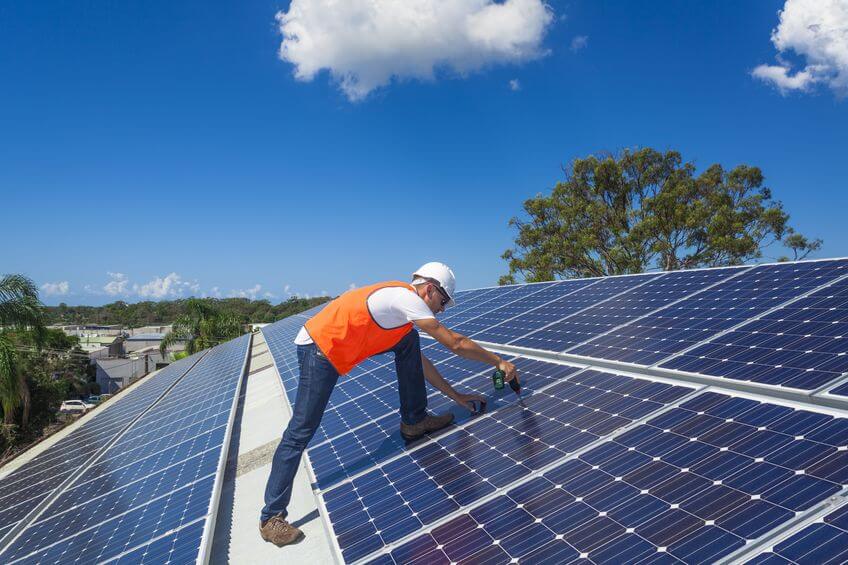
Any electrical fault beyond a simple breaker reset, inverter error codes indicating hardware failure, physical damage to panels or wiring, or signs of overheating/burning require professional diagnosis — these situations carry safety risk and warranty implications that make DIY intervention inappropriate.
Preventing Future Issues
Regular panel cleaning, periodic visual inspection for shading changes, and staying attentive to monitoring app alerts all help catch developing issues before they become significant production losses.
Experiencing a solar system issue you can’t resolve? Get expert help: (855) 427-0058
Frequently Asked Questions
How do I troubleshoot a solar panel issue?
Start with your monitoring app for error codes and data trends, then check for shading, dirt, or breaker issues.
What are common causes of solar production problems?
Inverter faults, shading, soiling, and monitoring communication issues account for most cases.
Can I troubleshoot solar issues myself?
Basic checks like visual inspection and breaker resets are DIY-appropriate; electrical faults need a professional.
What should I do if my monitoring app shows no data?
Check the WiFi/network connection to your monitoring device — it’s often a communication issue, not a production loss.
When should I call a professional for solar troubleshooting?
For electrical faults, hardware error codes, physical damage, or any sign of overheating.
How can I prevent future solar production issues?
Regular cleaning, visual inspection for shading, and monitoring app attentiveness help catch issues early.
Does a sudden output drop always mean a serious problem?
Not always — new shading, soiling, or a simple communication glitch are common, less serious causes.
Summing Up
Most solar troubleshooting starts with monitoring data and simple visual checks. For issues beyond DIY troubleshooting, call (855) 427-0058 or visit us.solarpanelsnetwork.com.
Updated